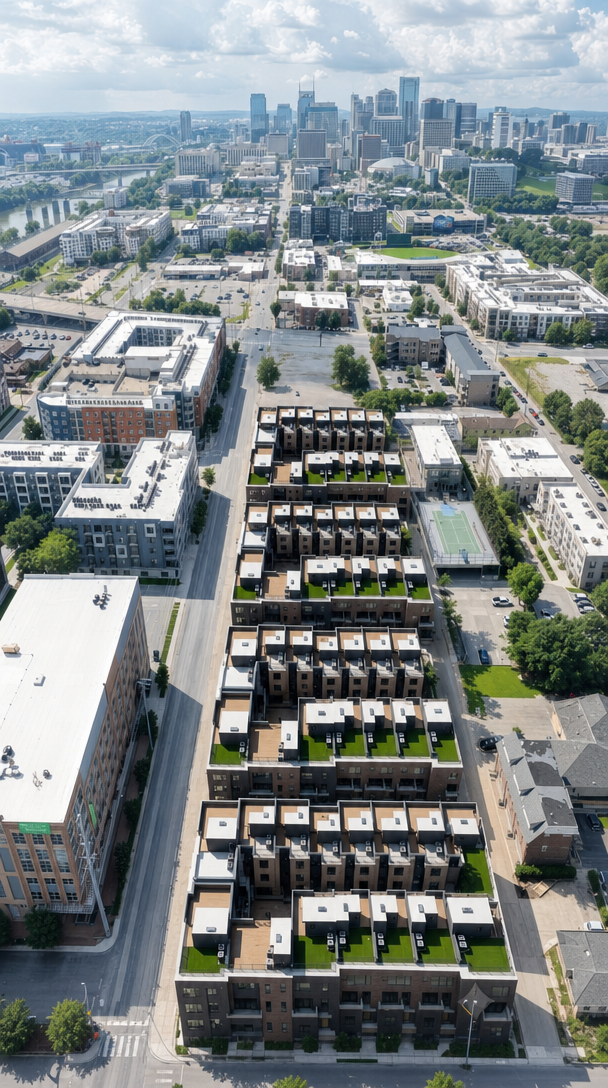
edit the base image the aerial view of the townhome development make one change only extend the left side of the photo outward to reveal slightly more of the scene to the left adding new canvas on the left edge only extend it just far enough that the horseshoe townhome buildings sit exactly centered horizontally in the frame use the second image only as a reference for what exists to the left the streets sidewalks and neighboring buildings such as the large light roofed storage building and the block beyond it that continue past the current left edge fill the newly revealed left area with that content so it connects naturally and continuously to the base image everything already in the base image must stay exactly as it is do not change move recolor or re render the townhome development the right side the top the bottom the sky the skyline the streets or any existing building do not crop or shift the existing content only add new scene on the left the top and bottom edges and the right edge stay exactly where they are match the base image s camera angle perspective daylight sun direction shadows color and photographic grain so the extended left portion looks like the same continuous real drone photograph just framed slightly wider on the left with the development centered