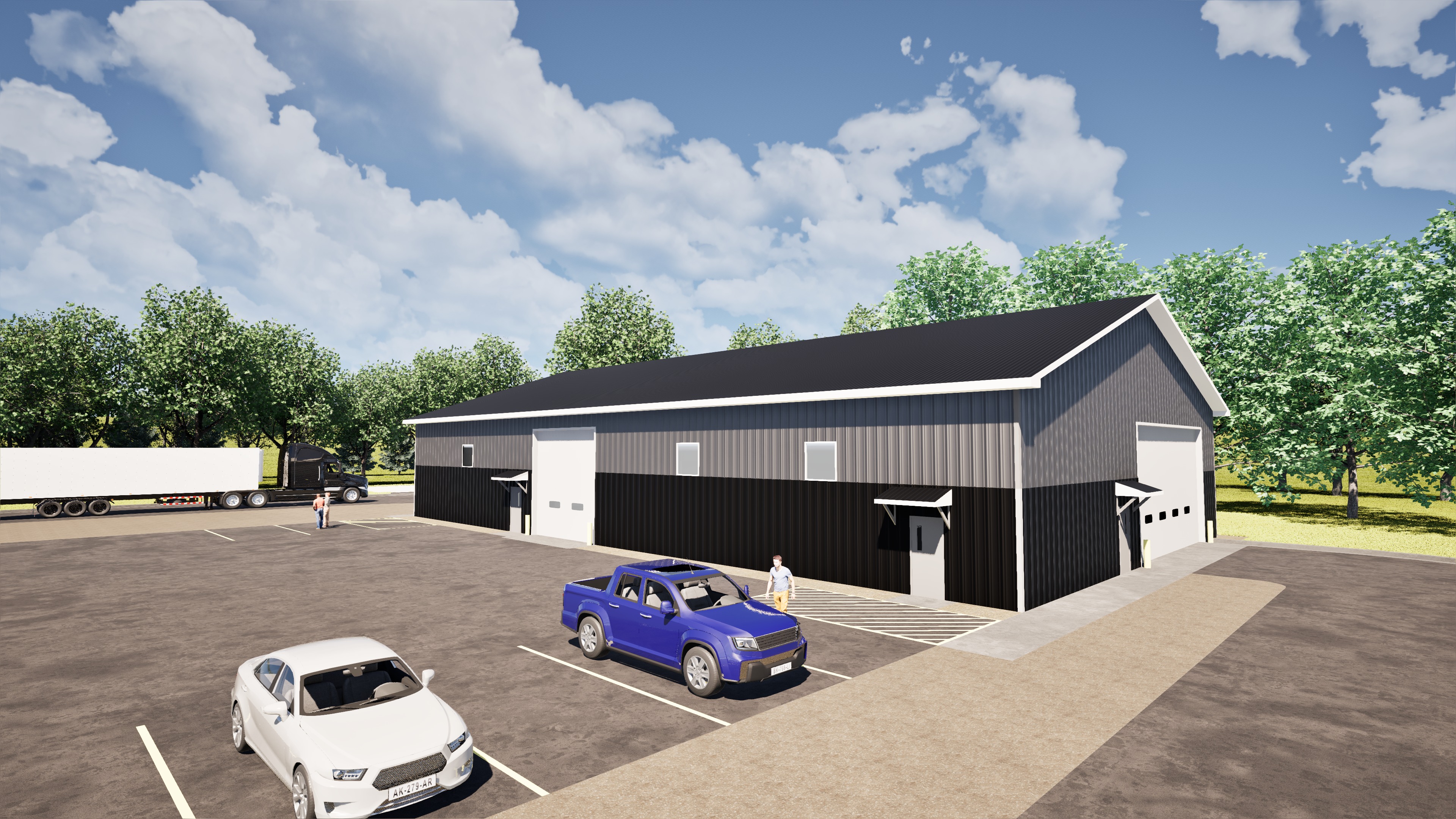
use the uploaded rendering as the base image and the uploaded logo file as the exact artwork to add edit the rendering in only one way place the logo on the building as signage in exactly two locations using the right side of the building as viewed in the image location 1 place one logo centered horizontally above the man door on the right side of the building location 2 place one logo centered in the gable end of the far right side of the building use the logo exactly as provided with the same colors proportions and transparency background treatment from the uploaded logo file do not redesign simplify restyle recolor crop stretch or reinterpret the logo mount each logo naturally to the building surface with accurate perspective scale lighting and shadows so it looks like realistic building signage do not change any other detail in the rendering change nothing except adding those two logo placements preserve the image exactly otherwise same building design same materials same colors same doors trim roof windows pavement landscaping sky shadows lighting reflections camera angle framing background people and all other architectural or scene details do not retouch clean up enhance add remove move or modify anything else in any way output a single edited image with only those two added signs and zero other changes