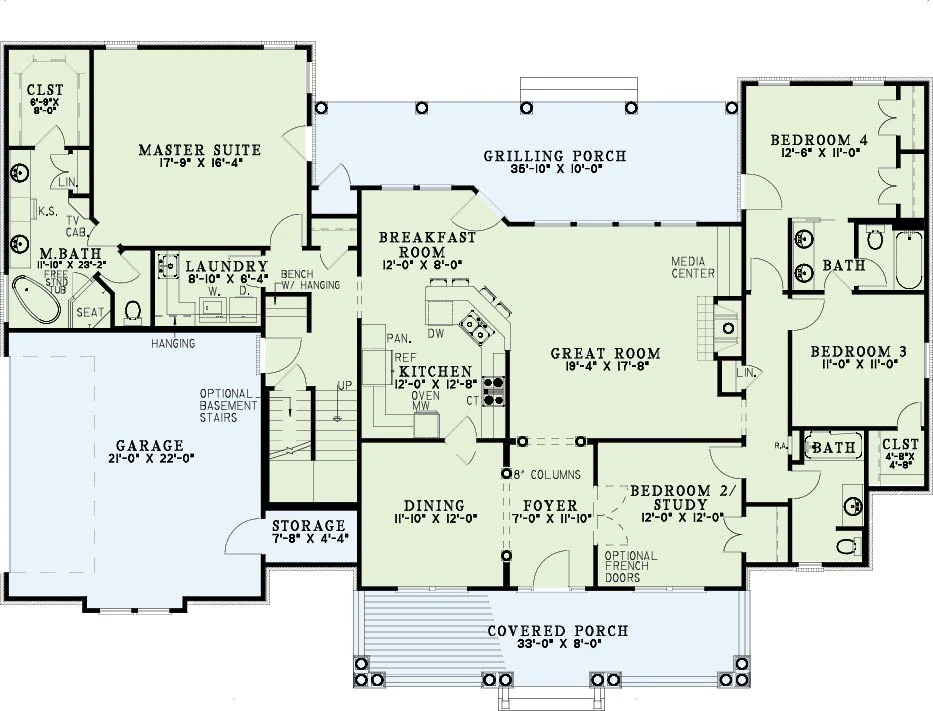
set the camera to orthographic parallel projection instead of perspective set the orthographic scale to approximately 25 35 depending on the size of the model rotate the camera to an isometric angle rotate 60 on the x axis tilt downward rotate 45 on the z axis turn diagonally leave y rotation at 0 move the camera back and up until the entire model is visible adjust the ortho scale if needed to frame the building cleanly to create the dollhouse cut create a large cube positioned over the building scale the cube so it fully covers the building footprint lower the cube so it covers the top 40 50 of the structure apply a boolean difference modifier to the building geometry using the cube as the cutting object hide or delete the cube after the cut is applied optional if your roof is grouped in a collection named roof simply hide that collection instead of performing a boolean cut for presentation quality enable soft shadows use neutral white or light gray materials for walls increase ambient lighting for even interior visibility